Upload a video.Send one link.
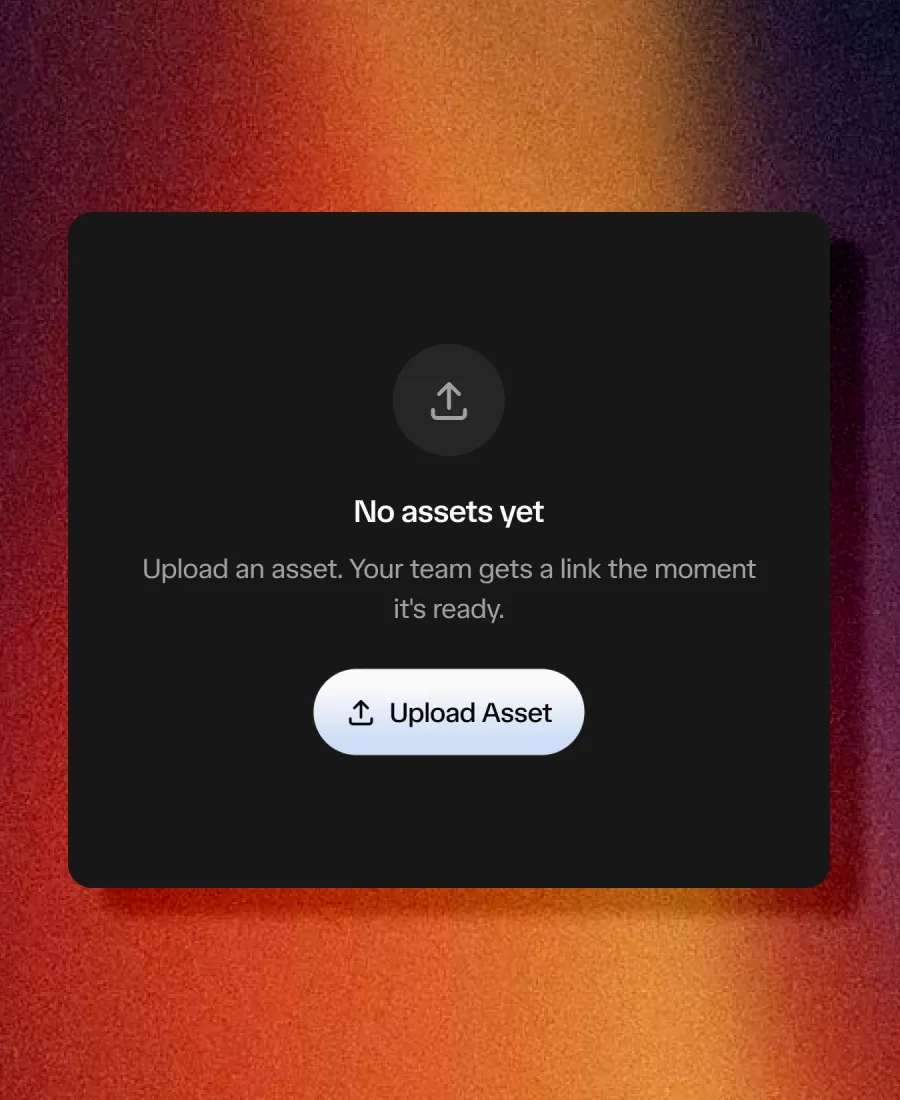
A rough edit, a thumbnail, a whole campaign. Drop it in and send the link. Your client reviews in seconds on any device. No account, no app, no login. Add a password or expiry when it matters.
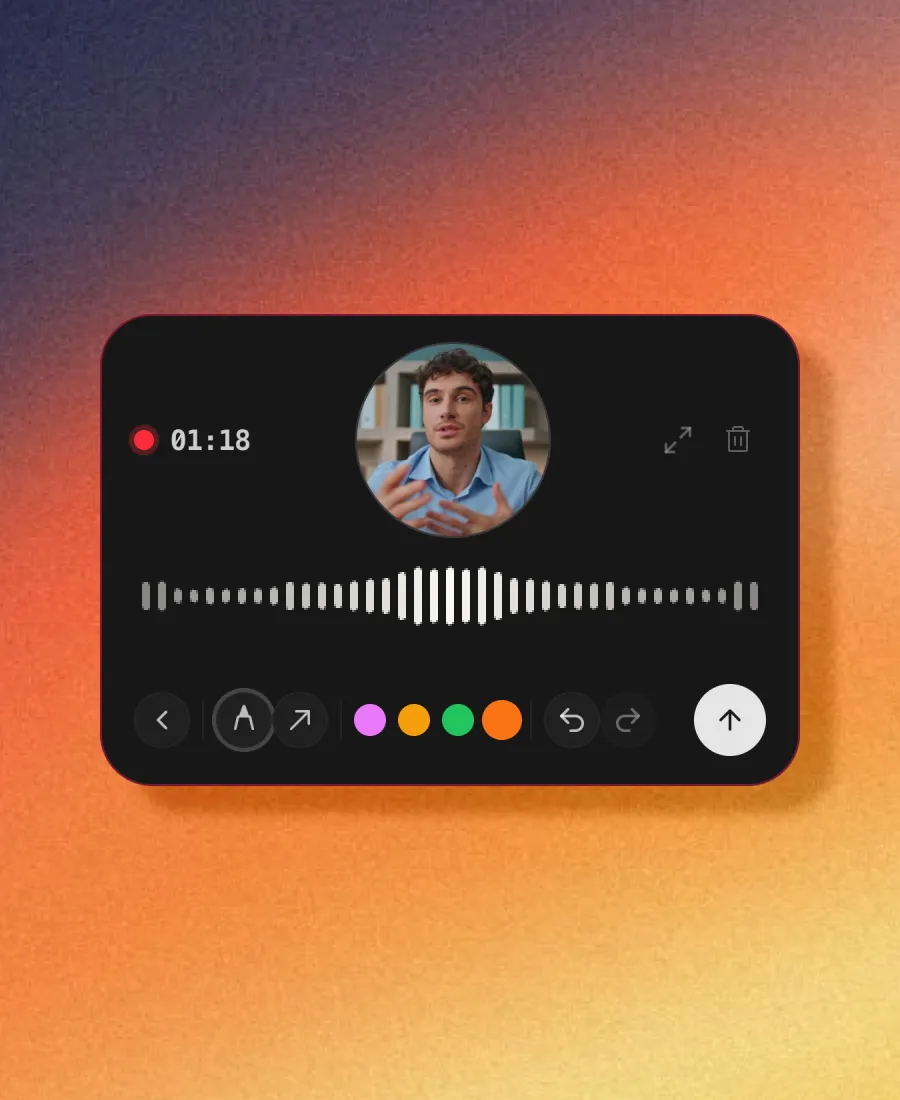
Push to talk and walk through feedback as the video plays. Draw on the frame, share a reference image, or show yourself on camera. Dusken AI turns every thought into frame-accurate, searchable feedback.
No client account required · Unlimited free reviewers
Add a low alpine wind swell and subtle sub-bass whoosh as the drone crests the peak here
Layered an ambient mountain breeze stem + 30Hz sub drop, sounds massive!
Trusted by creative teams in early access
Sound familiar?
There's a better way. It's called Dusken.
How It Works

A rough edit, a thumbnail, a whole campaign. Drop it in and send the link. Your client reviews in seconds on any device. No account, no app, no login. Add a password or expiry when it matters.

No more “around the two-minute mark.” Hold to speak with push-to-talk ⌃⌥, draw directly on the frame, or show yourself on camera. Dusken pins every note to the exact frame and auto-transcribes your voice so feedback is instant, clear, and searchable.

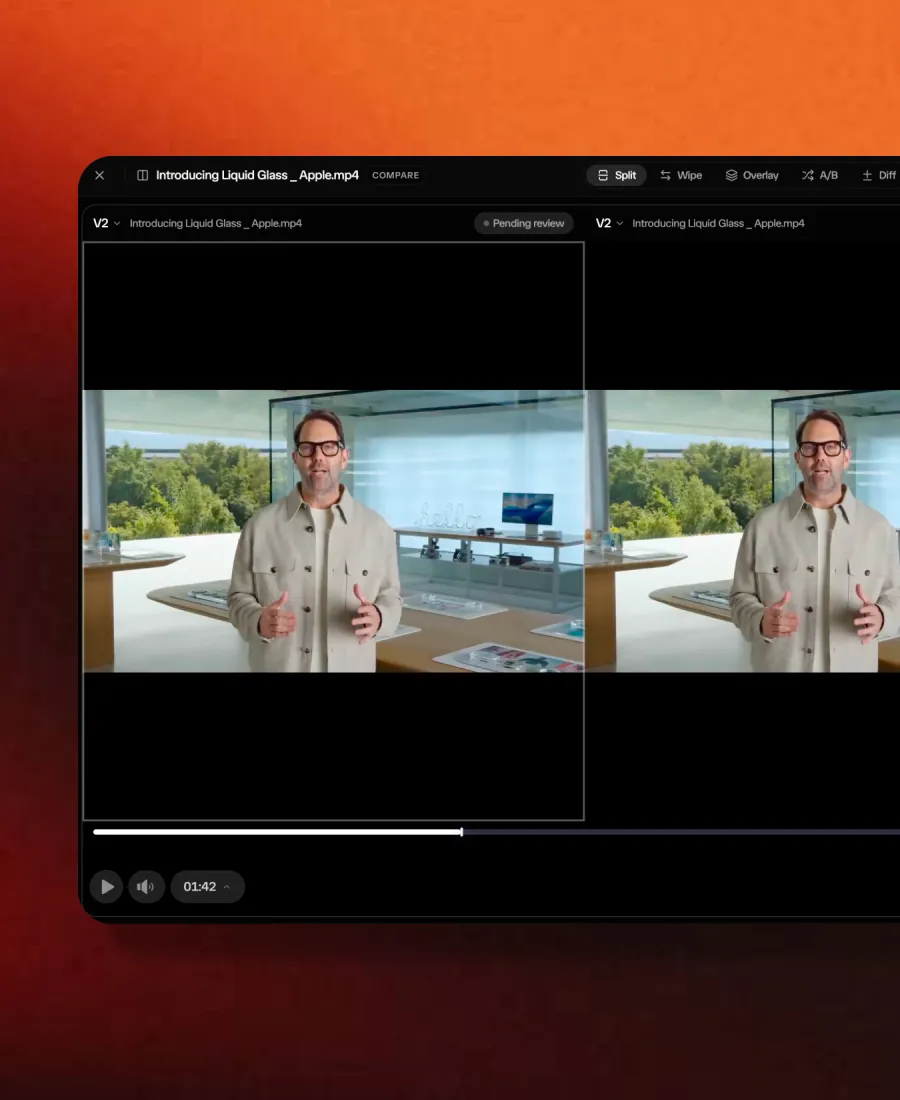
Compare versions side by side so everyone sees what changed. Your client approves, you seal the final, and it locks with an audit trail of who signed off and when. No round nine. No "that's not what I approved."
Review at the level editors work
Type, draw, speak or record. Review by timecode, frame or range with adaptive HLS playback directly in the browser.
Review at the level editors work.
Switch between timecode, frames and standard playback time. Use keyboard shortcuts, change playback speed, and set I/O loop regions to inspect sections repeatedly before leaving feedback.
Point to the frame or sequence.
Leave frame-accurate timestamp notes or select an in-and-out range when feedback applies across multiple frames. Pair range comments with looping to review transitions with precision.
Hold to speak. Transcribed.
Hold push-to-talk to walk through feedback as the video plays. Voice feedback is transcribed automatically so editors can read the text or play the audio directly from the comment.
Draw directly on the frame.
Sketch arrows, highlight regions or circle elements directly on the video. Feedback points to the exact pixel instead of writing long text descriptions.
Show your screen or record a reply.
Capture your screen to show a visual reference, or record a video reply so tone and creative intent land clearly without ambiguity.
Five compare modes in sync.
Split, Wipe, Overlay, A/B and Pixel Diff. Synchronized playback lets you verify every requested cut between versions without second-guessing.
From the teams using Dusken
“Feedback used to live in Slack, email, and a doc nobody kept current. Now it's one link per video. Took the team about a week to stop double-posting notes in Slack out of habit. Once that died off, my producers got their afternoons back.”
Katya Popova
Head of Post Production, Fireworks AI
“A client used to write 'fix the thing near the start.' Now they pin the exact frame and leave a voice comment that lands already transcribed. The transcript misses a word now and then, but I'd take that over guessing which 'thing' they meant.”
Aditya Marwaha
Director, Lighter
“What sold me was sealing a version. Everyone sees the same approved version, and the 'wait, which file is final?' email just stopped happening. I'd love to seal individual scenes someday. For full videos, it already does the job.”
Priya Nair
Executive Producer, Mercury
“I sent a link to a client who'd never touched a review tool. First frame-pinned comment in under a minute, no call, no walkthrough. Uploads on big ProRes files could be quicker, that's my one gripe.”
James Okafor
Creative Director, Rippling
“We keep six brand videos moving at once. The dashboard tells me which one is actually approved at a glance. Took me a day or two to stop checking my old spreadsheet, then I deleted it. That used to be my Friday-afternoon panic.”
Pratyush Kumar
Head of Marketing, Sarvam
“Version compare hooked me. I put v3 next to v4, scrub them together, and the client sees exactly what changed. No more debating whether a fix made it in. One stubborn client still wants notes by email, so I copy them over. Everyone else lives in the link.”
Lalit Singh
Head of Social, Reimagine Web
Yes. Dusken lets clients open a browser-based review link without creating an account, entering a password or installing an app. Clients can watch the video, leave timestamped feedback, annotate frames and approve versions directly from their desktop or mobile browser.
Yes. Dusken reviewers are 100% free and unlimited on every plan, including the Free and Solo plans. You only pay for core workspace users who create projects and manage assets. External clients, directors and stakeholders never consume paid seats.
Frame.io charges per user, meaning external reviewers and collaborator seats quickly inflate monthly bills. Dusken charges only for internal workspace users: external clients and reviewers are unlimited and free. Dusken also includes version comparison (Split, Wipe, Pixel Diff), voice notes with transcription and NLE marker export on every plan.
Reviewers can leave feedback six ways pinned directly to the frame: text comments, freehand drawings and arrows, push-to-talk voice notes, webcam video replies, screen recordings or reference image attachments. Notes attach to the exact frame or timecode range so editors know precisely what needs revision.
Yes. Dusken exports review comments as native timeline markers for DaVinci Resolve, Adobe Premiere Pro and Apple Final Cut Pro without requiring third-party plugins. You can also export comments as a CSV spreadsheet.
Dusken allows editors to stack versions and compare them side by side with synchronized dual playheads. You can view changes across 5 modes: Split screen, Wipe slider, Opacity overlay, A/B toggle and Pixel Diff to detect subtle grading adjustments or VFX revisions.
No. Dusken provides a Free plan that requires no credit card. You can sign up, create a workspace, upload cuts and invite unlimited client reviewers immediately. When upgrading to Solo or Team, all paid plans include a 30-day money-back guarantee.
Yes. You can cancel your subscription at any time from your account settings with a single click. If you cancel within 30 days of your first charge, contact billing@dusken.io for a full refund with no questions asked.
Got something else? Contact us
We actually read every message. Bugs, ideas, rants, all welcome.
Dusken is founder-led, so support is close to the product. We are happy to talk through your agency setup, NLE export workflows or custom requirements.